
As you have probably heard, we live in the attention economy. For the better part of human history we fought for land, people, natural resources and knowledge, and we still do — but in the modern world the most important and scarce resources have become human attention and time.
Unlike money or land, attention isn’t earned but given to us just for being born. You cannot get more than you have been allotted for a lifetime, and thus you must be very conscious and deliberate about how you spend it.
Another problem with your attention is that if you don’t own it, somebody else does. Everyone wants you to watch, read, and listen to their stuff (including me), and this endless stream of information distracts you and holds you back from fulfilling your own goals and ambitions.
Over the past few years, I’ve been constantly fighting for my attention and focus, and I’ve collected some tricks and advice that can help you along the way.
Don’t allow
Whenever you install a new app, the first thing it does is ask for permission to send you notifications.
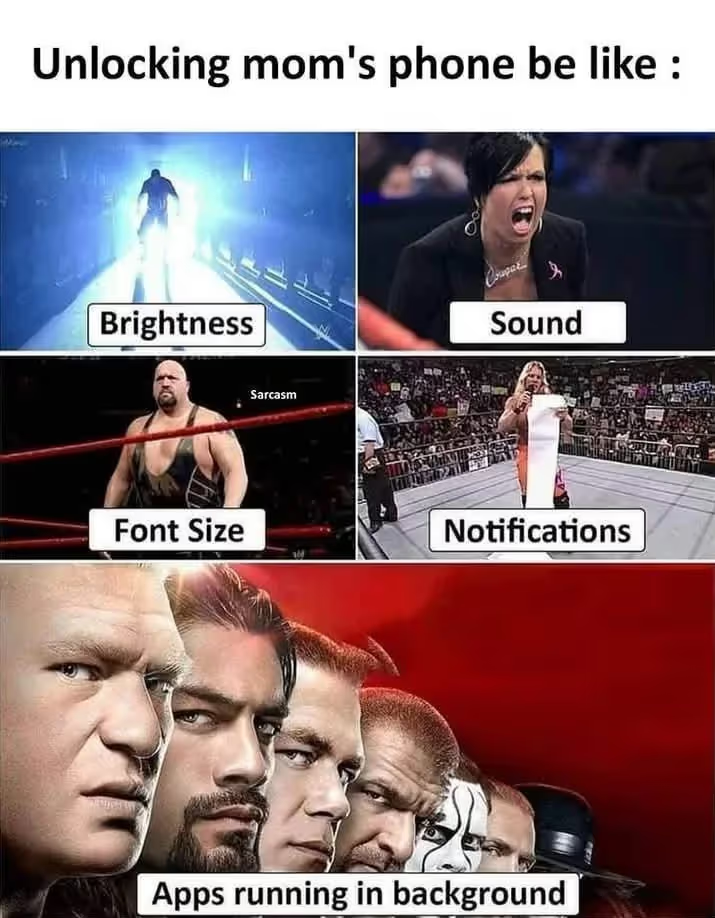
Most people have poor informational noise hygiene. Like in this meme:
So, why exactly is it bad for a person who wants to be focused, perform better and do things they actually enjoy? I see two reasons:
Notifications break your focus and flow state.
You’re working on a long, mundane task, and then — bam — a flashy thing pops up on your phone. If you open the app, for the next few minutes (or hours) your attention doesn’t belong to you — it’s captured by the app creators.
Now, you may have an iron will and resist opening the app. Still, a notification at least steals your focus and pulls you away from finishing the task.
You’re no longer the captain.
If your attention can be hijacked anytime by anyone, you’re not really in charge of your time and your actions — which means you lose your agency and deliberateness.
The fundamental change I have made to my notification hygiene is flipping the direction of the data stream from push to pull.
I have notifications disabled for the vast majority of my apps. It’s no longer information flowing into my life, it’s “I go and check if there’s something new”. See the difference?
It’s me deciding when to look at the new memes, tweets, and stories, not the apps deciding it for me.
Of course, I still have notifications enabled for the most important/urgent stuff:
— direct messages and mentions in Telegram/Slack (I work at a startup);
— calendar and reminders;
— some other apps like Find My or Schiphol Airport.
It’s worth saying there are no notifications popping up in the corners of my laptop screen. The only indicators I have are the red badges on the app icons — and it’s still me who decides when to address them.
Unsubscribe
As a kid, I loved collecting emails. I would receive dozens of useless emails a day from all the services I signed up for, and I enjoyed seeing the number of them grow. (I have a suspicion I wasn’t a completely neurotypical child.)
On the day I received my fifty-thousandth email, I finally got tired and unsubscribed from this spam stream. Today, when I sign up for a new service and it sends me the first email, I immediately scroll down to the unsubscribe button and cut this shit off.
A few inbound emails a day doesn’t sound like a big deal, but it’s these small things that slowly increase the level of unnecessary noise in your life.
Remove from home screen
I apply the same approach to my desktop:
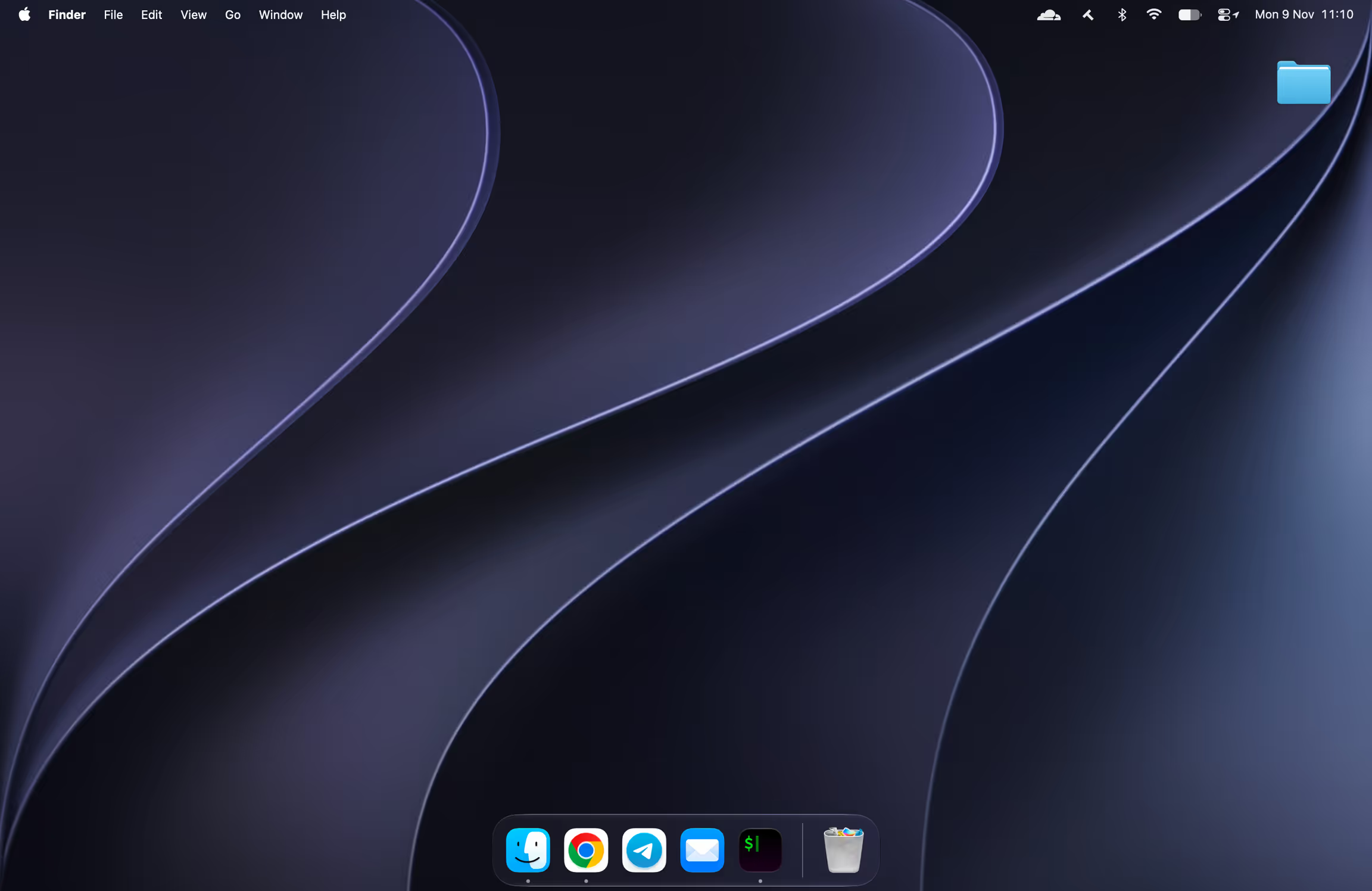
In the past I spent a lot of time figuring out the best layout of the icons in Launchpad, until I realized nothing is neater than having none of the apps in sight, and just using the search box to find and open them.
Same goes for messaging apps. I’ve unsubscribed from most of the Telegram channels, and put all the others into a separate folder — now my main feed is reserved only for direct messages.
All in all, a neat digital desk is as important as a neat physical one.
Debrand
Let’s finish with the crazy stuff.
A bottle of liquid soap, a tube of toothpaste, or a pack of spaghetti you brought from the supermarket are the undercover ads living right in your home.
They are designed to grab your attention at the supermarket, but hey — you’ve already bought them! You no longer want these things to flash and catch your eye while you’re in the bathroom.
Peel the label off your deodorant. Buy yourself a bunch of refillable bottles from Temu and pour your shampoo and soap into them. Move your spaghetti into an IKEA storage jar. (It’s also more aesthetically pleasing, so a double win.)
Some people go hardcore:
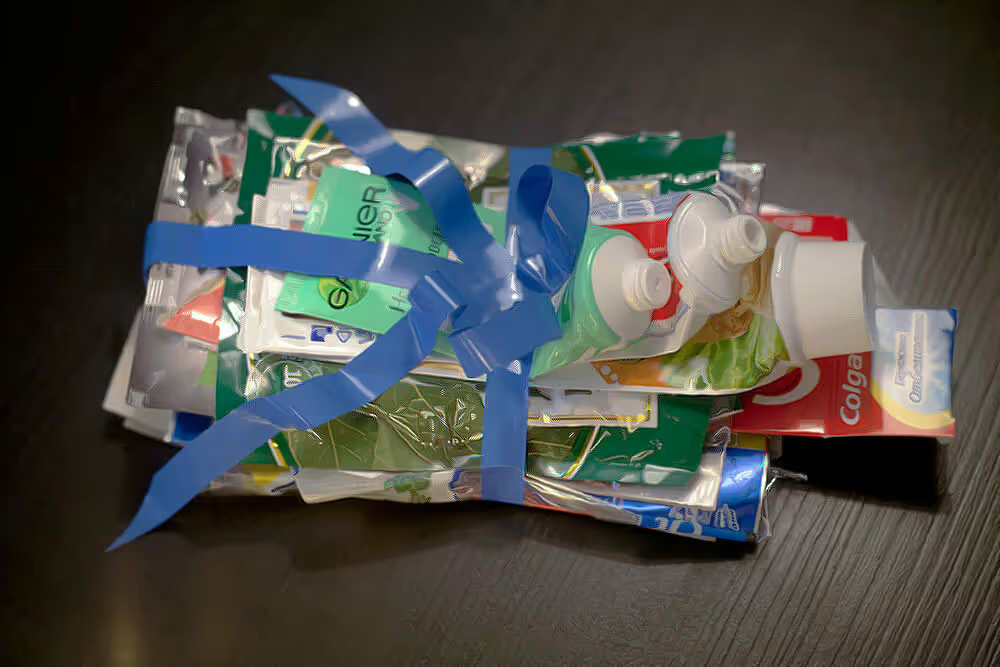
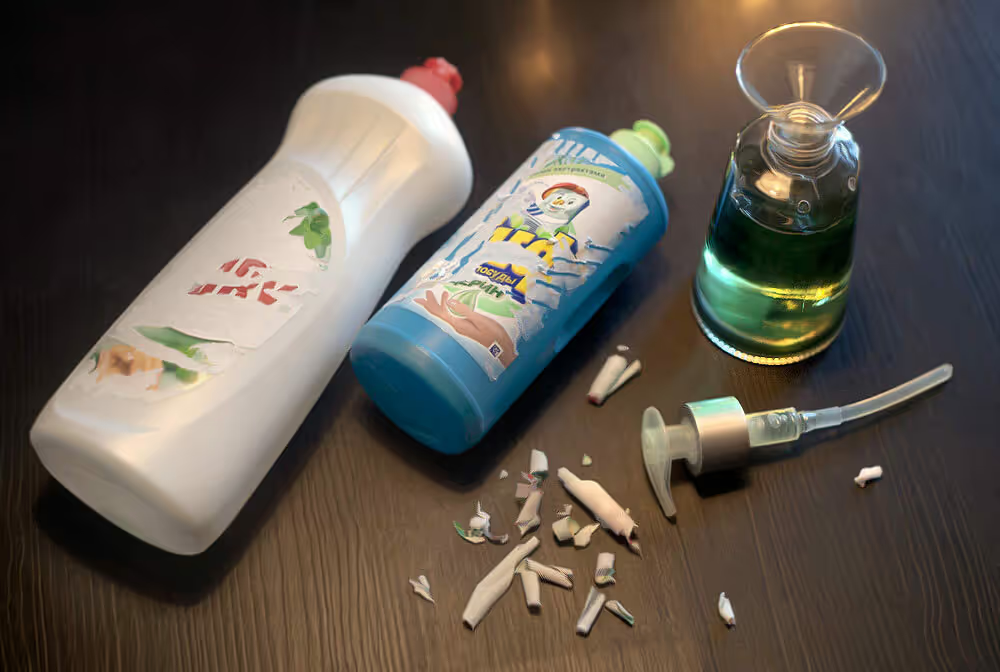
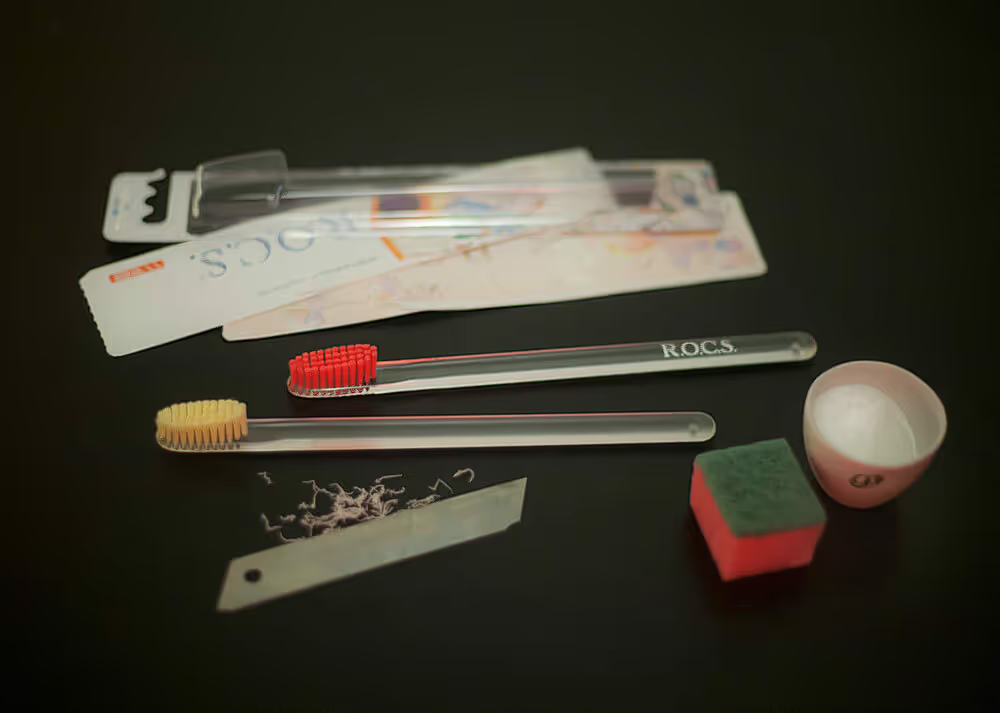
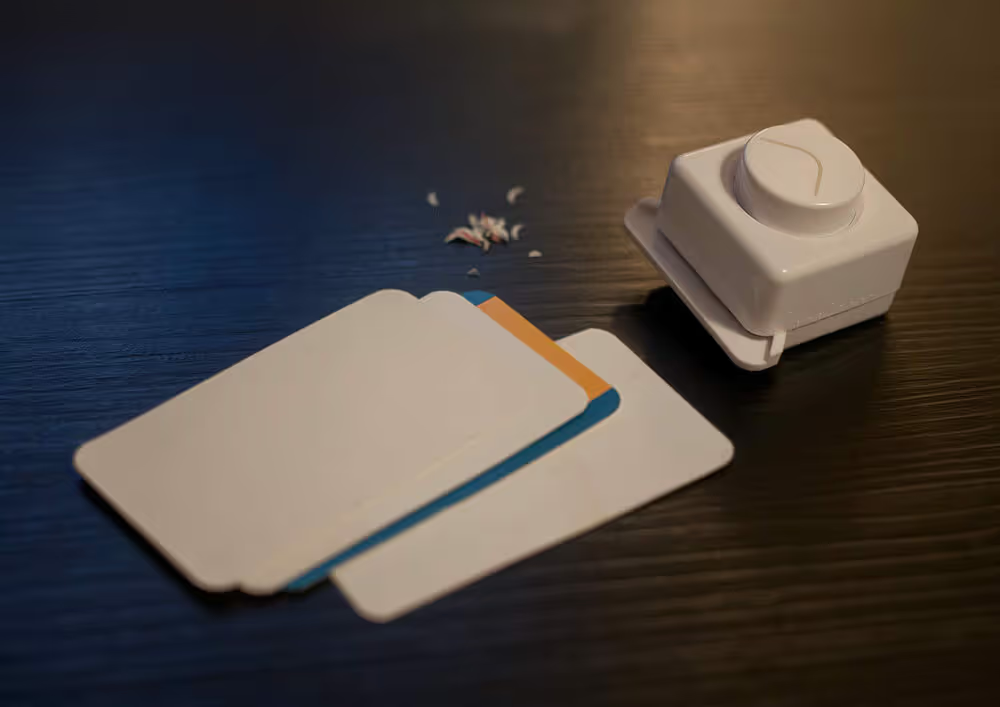
OK, don’t be a maniac — you’re good to keep your olives in the supermarket jar. Still, it’s quite easy and beneficial to reduce the amount of noise in the place you live in.
Resubscribe
There are two situations in which I enable the notifications:
If I start constantly checking the app on my own.
I had no notifications for Apple Mail, but since I was expecting emails pretty often, I just found myself opening the app every ten minutes.
It was easier to just turn the notifications back on — now if there’s no red badge on the app, there’s nothing to check.
When I consciously want some app or service to bother me, so I pay more attention to it — usually while forming a new habit.
(I call it “opportunistic poking”.)
When I signed up for the gym, I deliberately stayed on their mailing list, so gym stuff appears in my inbox once in a while. When I establish the routine, I’m going to unsubscribe, but until then it acts as a good occasional reminder of the idea of working out.
As Elon Musk said, you didn’t delete (disable) enough if you don’t end up bringing at least 10% of it back.
 my